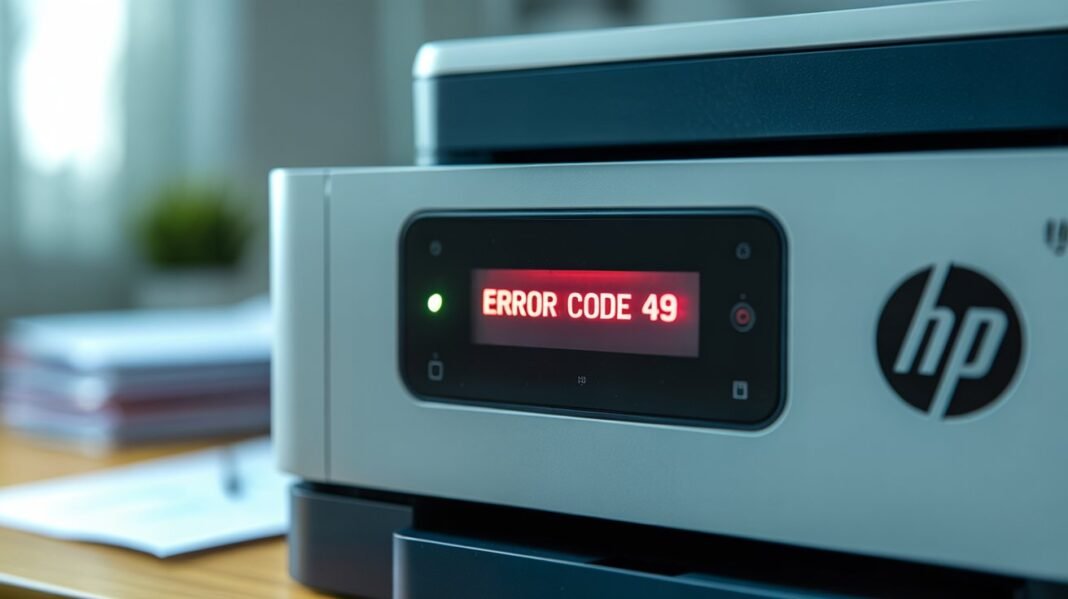

If you’ve encountered the dreaded HP Printer Error Code 49, you’re not alone. This error is one of the most common issues faced by HP LaserJet and Color LaserJet users. It typically appears on the printer’s control panel as “49 Service Error” or “49.xx.xx,” often accompanied by a message to “Turn off then on.”
Understanding and resolving this error can save you time and prevent unnecessary repair costs. Let’s dive into the causes and step-by-step solutions.
What Does HP Printer Error Code 49 Mean?
The 49 Error Code indicates that the printer has received a print job it cannot process. This could be due to a corrupted print job, incompatible file format, or an issue with the printer’s firmware or hardware.
How to Fix HP Printer Error Code 49
1. Power Cycle the Printer
Turn off the printer, wait for about 30 seconds, and then turn it back on. This simple step can clear temporary errors and reset the printer’s internal memory.
2. Clear the Print Queue
A corrupted print job can trigger the 49 error. On your computer, navigate to the print queue and cancel all pending print jobs. Then, restart the printer. This ensures that the printer isn’t trying to process a problematic job.
3. Update Printer Firmware
Outdated firmware can cause compatibility issues. Visit the HP Support website and download the latest firmware for your printer model. Follow the provided instructions to update the firmware.
4. Check for Faulty Accessories
Remove any external accessories connected to the printer, such as USB drives, fax cards, or network cards. These can sometimes cause conflicts leading to the 49 error.
5. Perform a Cold Reset
A cold reset restores the printer to its factory settings, which can resolve persistent errors:
- Turn off the printer.
- Press and hold the ‘Go’ button (or equivalent) on the printer’s control panel.
- While holding the button, turn the printer back on.
- Continue holding the button until the printer’s lights flash or the control panel displays a message indicating a reset.
6. Replace Faulty Hardware Components
If the error persists, the issue might be with the printer’s hardware:
- Formatter Board: This is the main circuit board of the printer. A faulty formatter board can cause the 49 error.
- Memory Modules: Defective or incompatible memory modules can lead to processing errors.
- Hard Drive: Some printers have a hard drive that stores print jobs. A failing hard drive can trigger the 49 error.
Consult your printer’s manual or HP Support for guidance on replacing these components.
Conclusion
HP Printer Error Code 49 can be frustrating, but with the right approach, it’s often solvable without professional assistance. By following the steps outlined above, you can diagnose and fix the issue, ensuring your printer operates smoothly.
If you continue to experience problems, consider reaching out to HP Support or a certified technician for further assistance.